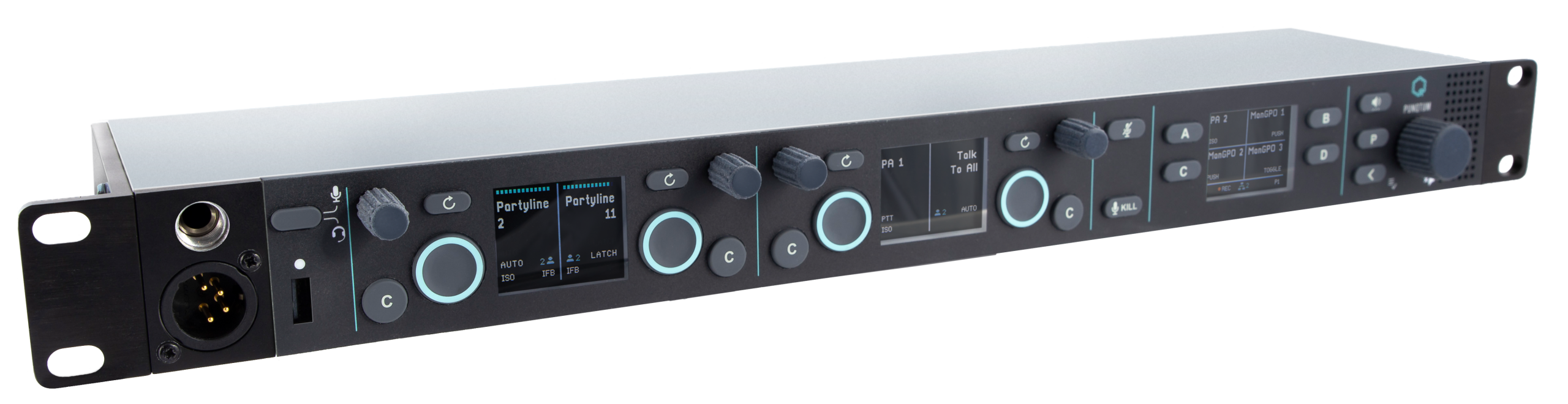
PunQtum and Riedel Bolero now work together directly. With the Q-Tool 2.02 firmware package and Bolero 3.3, a Q210 P Speaker Station connects digitally to a Bolero standalone system. No extra interface hardware is needed.
The link supports up to six partylines shared between PunQtum and Bolero, plus shared PA outputs and show feed. Wired and wireless crews can talk on the same channels, wherever they are.
New in Q-Tool 2.02
- Bolero Standalone Connect on the Q210 P (requires Bolero 3.3 or later)
- Improved online systems view
- Context help: long-click any item to see help text and graphics
- Updated firmware for the Q210 P, Q210 PW and Q110 Beltpack
What you need
- A Q210 P Speaker Station on Q-Tool 2.02 or later
- A Bolero standalone system on version 3.3 or later
- A PunQtum licence on the Bolero antenna
We recommend all customers update to the latest firmware. Q-Tool users get the update through Q-Hub, or can download Q-Tool here.